
If your web design project needs some retro icons, here is my set of 9 free retro UFO and alien icons. You can use these small illustrations as decorative elements or to add visual accents to your design.
What’s Inside the Alien Icon Pack
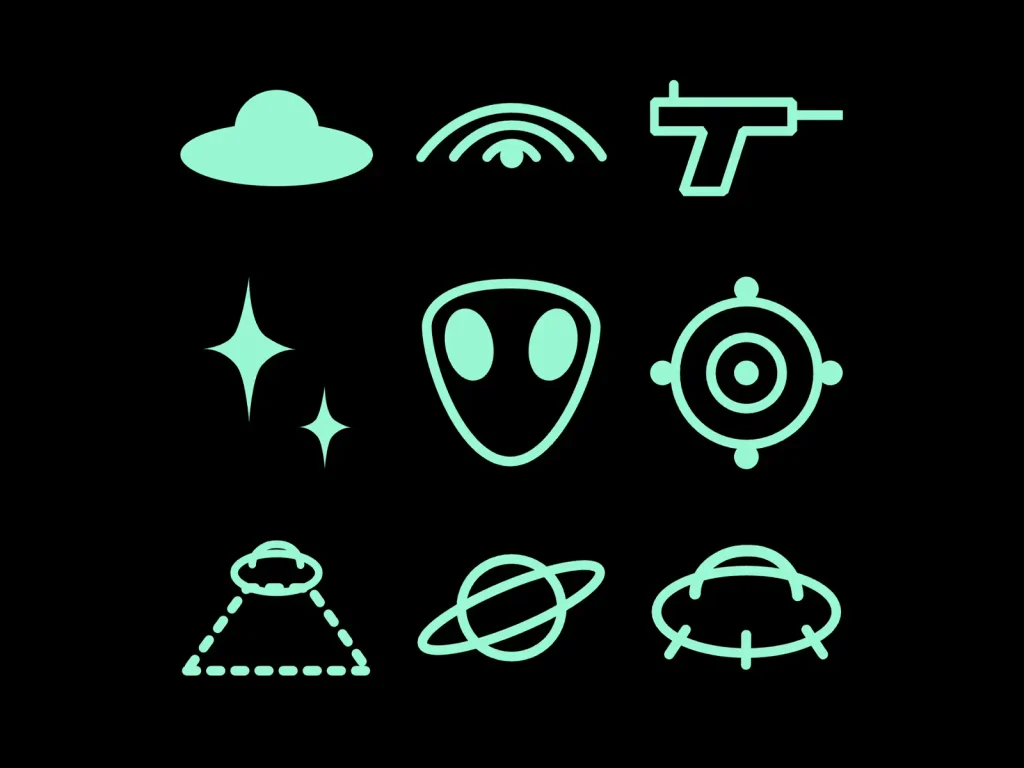
The pack contains 9 vector illustrations inspired by UFOs, aliens, radar graphics, and early-2000s sci-fi aesthetics. The icons have a clean, geometric look, so they can work both as standalone graphics and as small details in a larger web design.
The set includes:
- Flying Saucer – A classic UFO silhouette with a simple retro look.
- Radar Eye – An eye combined with signal waves for a futuristic feel.
- Laser Gun – A compact sci-fi weapon illustration with a minimal shape.
- Retro Sparkles – A group of four-point stars for adding a little Y2K-style decoration.
- Alien Head – A recognizable extraterrestrial face icon.
- Target Lock – A crosshair-inspired graphic that works well for interfaces and small accents.
- Tractor Beam – A UFO projecting a cone of light below it.
- Ringed Planet – A simple planet graphic with an orbiting ring.
- Mothership – A larger UFO-inspired structure with a more mechanical appearance.
All nine graphics are vector-based, so you can scale them without losing quality and use them at different sizes across your designs.
What Can You Use an Alien Icon For?
Pretty much anywhere. An alien icon doesn’t have to be part of a sci-fi or space-themed design. You can use it as an unexpected visual detail in almost any digital or print project.
Add one to a portfolio, landing page, presentation, poster, social media graphic, profile, 404 page, or digital product. It can work as a small decorative element, a section graphic, or a visual accent next to a piece of text.
The contrast can be the whole point. A simple alien icon placed inside an otherwise minimal or serious design can make the layout feel more personal, playful, or slightly weird without changing the entire visual style.
Sometimes you just need one unexpected icon.
Alien Icon Aesthetic: Why Retro Aliens Work in Web Design
Alien imagery was already deeply connected to science fiction, UFO culture, and retrofuturism long before the internet became mainstream. By the late 1990s, these influences started crossing over with a new digital visual language.
The early web was full of small graphics, pixel art, animated GIFs, sci-fi imagery, and playful icons. Websites had fewer visual conventions than they do today, so designers and hobbyists freely borrowed ideas from video games, computer interfaces, science fiction, and popular culture. Personal websites and platforms such as GeoCities became especially associated with this experimental approach to web graphics.
Around the turn of the millennium, this visual language developed into what we now call the Y2K aesthetic. Web design from roughly the late 1990s and early 2000s often combined futuristic imagery with metallic surfaces, bright colors, glowing effects, pixelated graphics, and playful iconography. The style was influenced by the excitement around new technology and the idea of what the future might look like.
Alien and UFO graphics fit naturally into this world. They represented the unknown, the future, technology, and the slightly strange side of the early internet. You can find examples of this broader sci-fi vocabulary in websites from the era, including David Bowie’s late-1990s website, which used imagery with an intentionally alien and futuristic quality.
The aesthetic later became nostalgic. As minimalist and highly polished web design became more common, the visual excess and personality of the early web started to feel distinctive again. The Y2K style was subsequently revived through online communities, digital art, fashion, music, and contemporary web design.
Alien Icon PNG vs SVG
If you’re looking for an alien icon for a website, you’ll often find both PNG and SVG versions. The main difference is how they handle size and editing.
- PNG is a raster format. It works well for fixed-size graphics and images with transparent backgrounds, but enlarging it too much can make it look pixelated.
- SVG is a vector format. You can scale it up or down without losing sharpness, which makes it particularly useful for websites and responsive layouts. SVG files can also be edited and recolored in compatible design tools.
The icons in this pack are provided as SVG vectors, so you can resize them for different parts of your design while keeping their edges sharp.
How to Add the Icons to a Framer Website
You will need a free Framer account to use the icons. If you don’t have one yet, go to the official Framer website and create an account.
Once you’re inside your Framer dashboard, click New Project to create a new website.
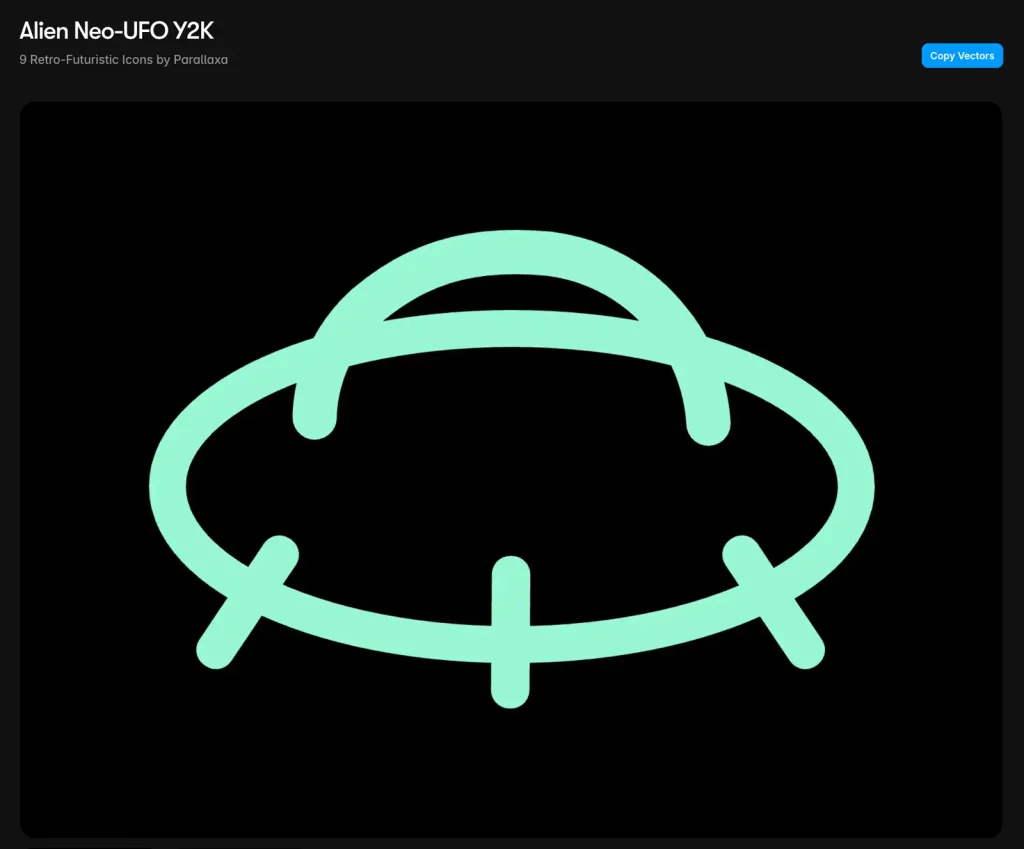
Next, open the Alien Icon pack on Framer Marketplace and click the blue Copy Vectors button.
Go back to your Framer project and paste the vectors onto the canvas. You can then resize, reposition, and customize the icons to fit your design.
How to Export the Icons as SVG
You can also use the icons outside Framer. To export an individual icon, double-click the vector pack to open the complete icon collection.
Select the icon you want to export, then go to Canvas → Edit → Copy → Copy SVG in the top-left menu.
Next, open a free online SVG editor such as SVG.design or Boxy SVG and paste the SVG from your clipboard.
You can then make further edits to the icon and export it in different formats, including SVG, PNG, and JPG.
Final Words
An alien graphic can be a small detail, but it can give an otherwise simple design a little more personality. Download the free pack to get all 9 retro UFO and alien graphics in one place, ready to add to your next web, social, or creative project. Whether you need a single unexpected accent or want to build a stronger Y2K-inspired look, the set gives you an easy starting point.