

Many creators today need more than just a list of links in their social media bio. If you regularly recommend products, share affiliate links, or curate your favourite finds, a simple page full of buttons quickly becomes difficult to navigate. It also doesn’t do much for your personal brand.
This is where a link in bio storefront comes in. Instead of sending visitors to a plain list of links, you can present your recommendations in a way that feels more like browsing a small online boutique. Products can be grouped into categories, featured collections can highlight your latest discoveries, and everything can match your own visual style.
There are plenty of platforms that let you create this type of page, but not all of them offer the same flexibility. Carrd is one of the easiest ways to build a lightweight storefront without touching a single line of code. Even if you’ve never built a website before, you can start with a ready-made template and replace the content with your own.
In this article, I’d like to introduce Creator Shop. It is a Carrd link in bio template designed specifically for creators who want a clean, editorial-style storefront for affiliate links, digital products, or curated recommendations.
What Is a Link in Bio Storefront?
A link in bio storefront is exactly what it sounds like: a landing page where your followers can browse products or recommendations instead of scrolling through a long list of text links.
The idea is simple. You don’t need a full ecommerce website or a complicated online shop to recommend products. Many creators only want to showcase a selected collection of items – whether they’re affiliate products, digital downloads, favourite travel gear, or seasonal recommendations. A storefront makes that process much more visual and easier to navigate.
Unlike a traditional link page, a storefront allows you to organise products into collections, highlight featured items, and guide visitors towards the links that matter most. This creates a much better browsing experience and makes your page feel more like part of your brand rather than just another utility page.
Even larger brands can benefit from this approach. A dedicated storefront works well for seasonal campaigns, product launches, gift guides, or curated collections without requiring changes to the main website.
Of course, the platform you choose matters just as much as the design itself. A storefront should be quick to edit, easy to maintain, and flexible enough to grow with your content.
This is one of the reasons why I like Carrd. You don’t have to start from scratch or spend hours adjusting layouts. A well-designed template already gives you a solid foundation. You just simply replace the images, update your links, and make it your own.
I designed Creator Shop because I noticed that many link in bio pages looked almost identical—just a long column of buttons. I wanted to create something that feels more like a curated editorial page where products are easier to browse and recommendations have room to stand out.
Creator Shop Carrd Template
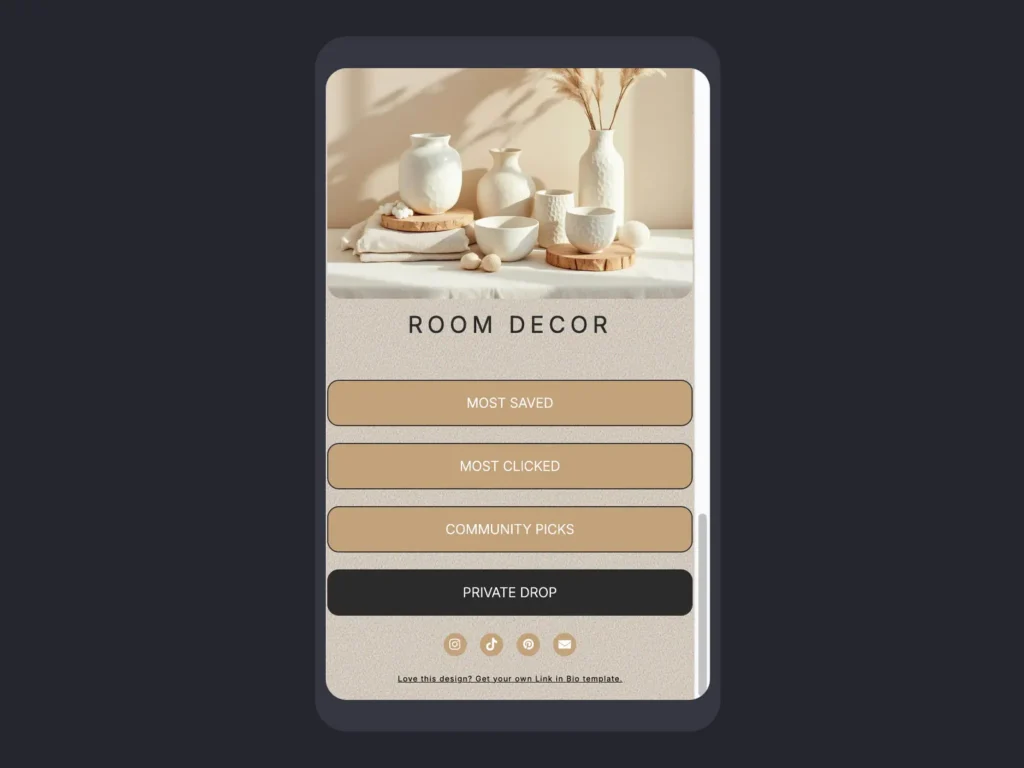
Creator Shop is a Carrd template designed for creators and small businesses that promote physical or digital products. Whether you earn through affiliate marketing, sell your own products, or simply enjoy sharing recommendations with your audience, the layout gives you a structured way to present everything in one place.
The main idea behind the design was to create something that feels more like an editorial magazine than a typical link page. Instead of stacking endless buttons on top of each other, products are organised into visual sections that naturally encourage visitors to keep exploring. After all, your followers shouldn’t need a treasure map just to find your favourite coffee mug.
Besides showcasing products, the template also leaves room for community-driven content. You can highlight your audience’s favourite picks, promote trending products, or draw attention to exclusive collections that are only available through your newsletter or membership.
One of Carrd’s biggest strengths is how easy it is to customise. You can change colours, replace images, edit categories, or add entirely new sections in just a few minutes. You don’t need coding knowledge, and you don’t have to redesign the entire page every time your content changes.
Another reason I chose Carrd is affordability. Many creator-focused storefront platforms rely on monthly subscriptions that can become quite expensive over time, especially if you’re just getting started. Carrd offers a much lower entry cost while still giving you enough flexibility to build a professional-looking storefront.
That also makes Creator Shop a practical option for affiliate marketers and beginner creators who don’t necessarily need built-in coaching calls, appointment booking, or course hosting. If your goal is simply to organise recommendations, showcase products, and direct visitors to affiliate or product links, a lightweight Carrd storefront is often all you need.
Explore the Storefront Layout
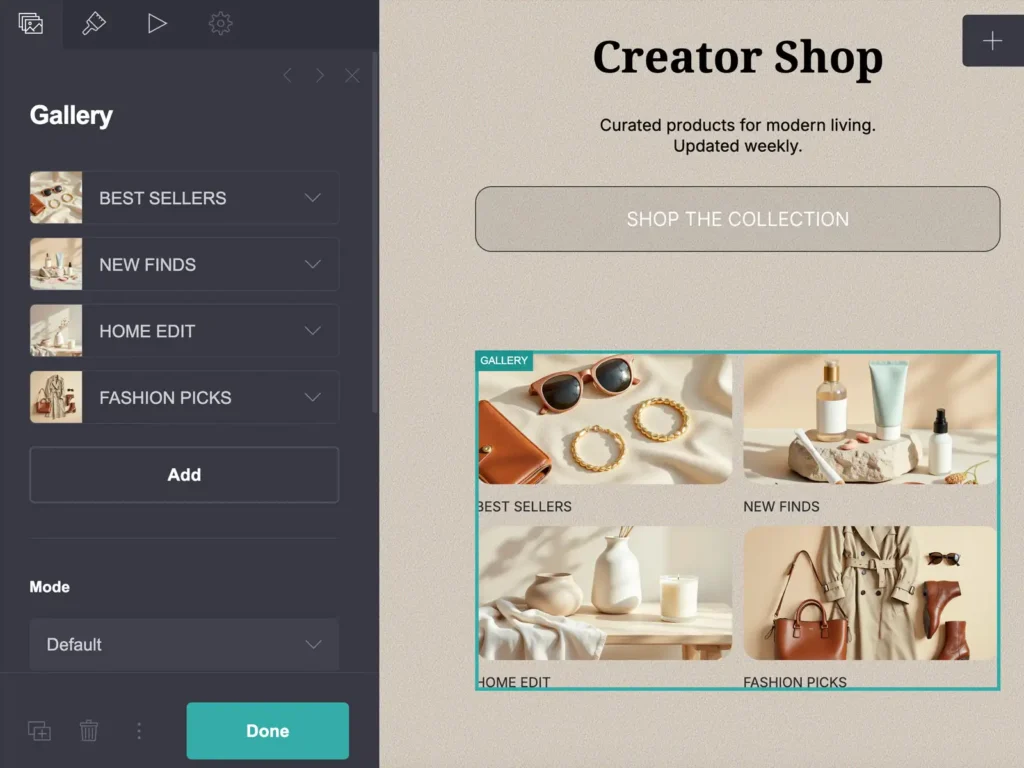
The Creator Shop template is divided into several sections, each serving a different purpose. Instead of presenting everything at once, the layout gradually guides visitors through your recommendations. From your featured collection to individual product categories and community favourites.
Hero Section
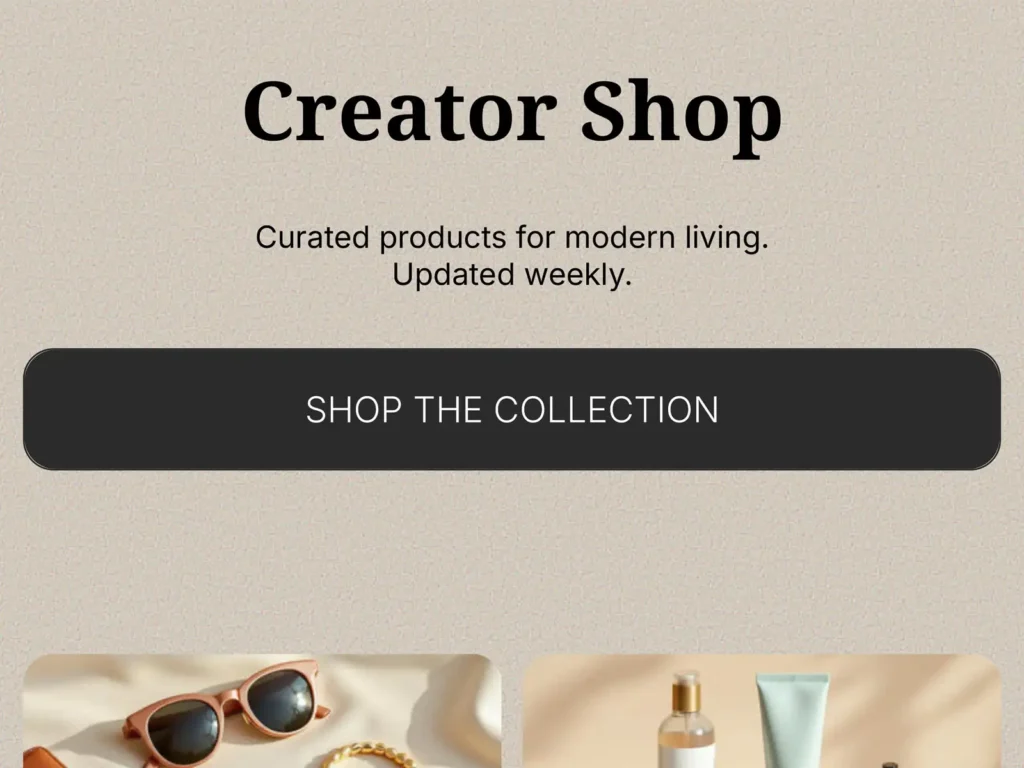
The first section introduces your storefront with a simple headline, a short description, and a primary call-to-action button.
This is where you can quickly explain what visitors will find on your page. For example, you might curate your favourite beauty products, travel accessories, home décor, or digital resources. The CTA button immediately encourages visitors to explore your featured collection instead of wondering where to click first.
Keeping the hero section clean also helps visitors focus on what matters most – the products.
Featured Products
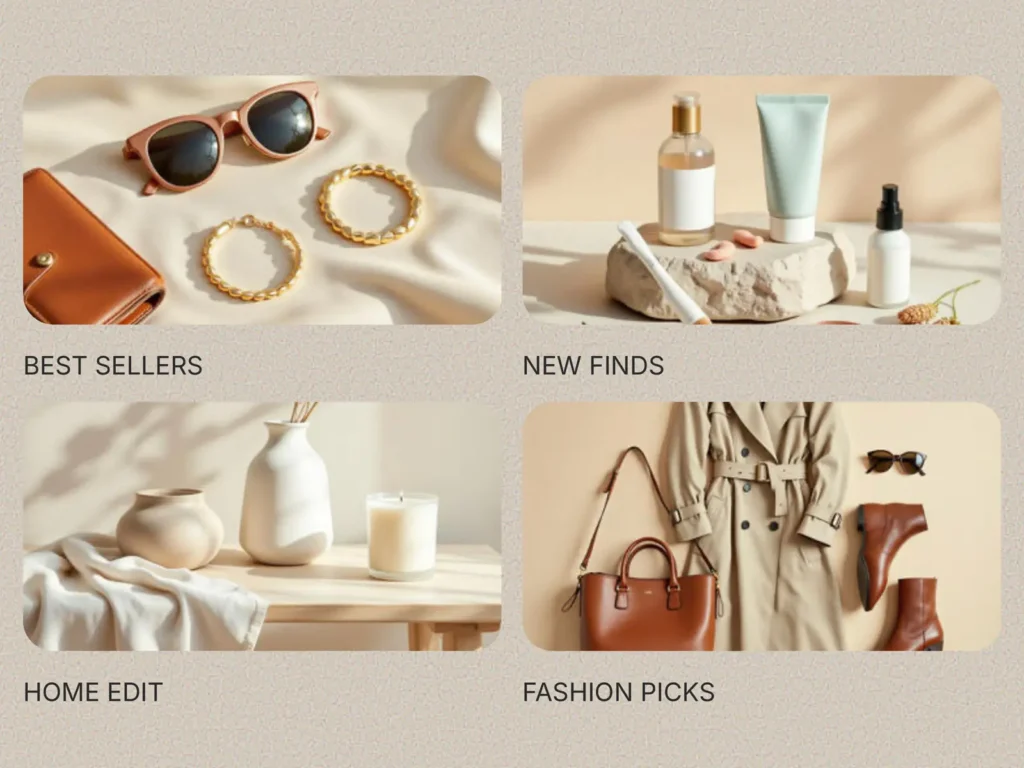
The next section introduces four featured collections, each represented by an image, and title.
Rather than displaying individual products straight away, these collections help visitors navigate your storefront more efficiently. You can use them for best sellers, new arrivals, seasonal edits, gift guides, or any other curated selection that matches your content.
Because each category includes its own visual thumbnail, visitors can quickly recognise what interests them without reading long descriptions.
Product Categories
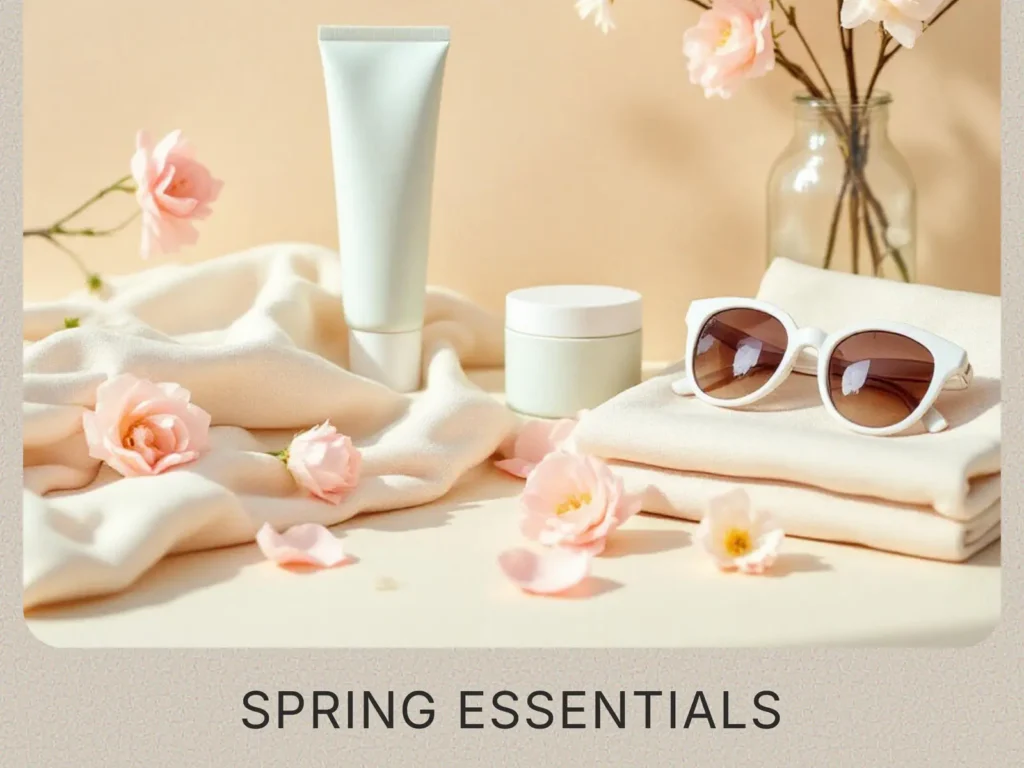
This section expands your storefront by displaying larger product collections.
The default layout begins with seasonal recommendations followed by new finds, but every category is fully editable. You can easily replace them with fashion picks, travel essentials, home décor, photography gear, digital products, or any other niche that fits your brand.
The larger images make these collections more eye-catching, which is why I recommend using them for your most important categories. At the same time, it’s worth keeping the page balanced. Adding too many large sections can make visitors scroll endlessly, and attention spans online are already short enough without giving their thumb an unexpected workout.
Community Favorites
The final product section highlights the items your audience loves the most. If you’ve been creating content for a while, you can use it to showcase your most-clicked affiliate products, best sellers, or the recommendations that consistently receive positive feedback.
If you’re only getting started, don’t worry about filling this section with impressive sales numbers. Instead, you can feature your personal favourites, editor’s picks, or products that are currently trending within your niche. As your audience grows, you can always update this section with real data and customer favourites.
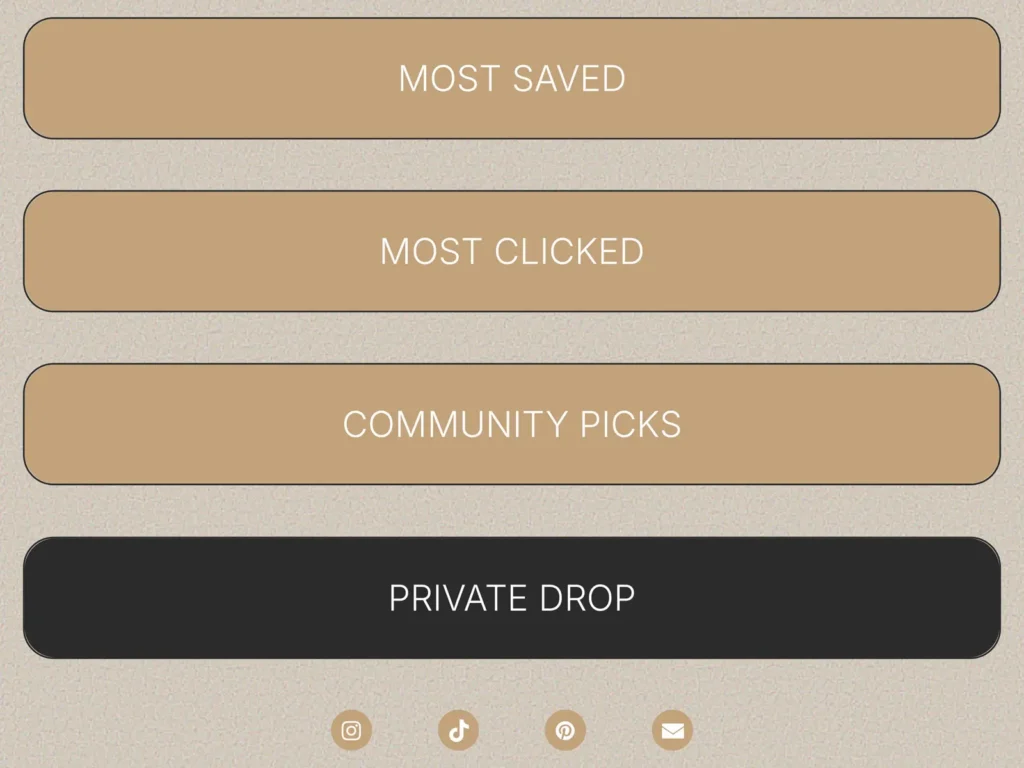
The last card is reserved for Private or VIP Drops. This can link to a newsletter signup, a members-only collection, an exclusive discount page, or early access to products before they become publicly available. It’s a simple way to reward your most engaged followers while also encouraging more email subscriptions or memberships.
Social Icons
At the bottom of the template you’ll find social media icons.
This placement is intentional. Since visitors usually arrive from one of your social media profiles, they already know where to find you. Placing social icons at the very top often gives people another reason to leave the page before exploring your recommendations.
Instead, the template keeps the focus on your products first. Once visitors have finished browsing, they can easily continue to your other social platforms if they want to see more of your content.
Sometimes moving a few icons to the bottom can make a surprising difference. Less distraction often means more clicks where you actually want them.
Why Use Carrd for Your Link in Bio Storefront?
There are many tools that let you build a storefront page such as Stan Store or Linktree, but Carrd remains one of my favourites because it keeps the process simple. You don’t need complicated integrations, technical knowledge, or a large monthly subscription just to create a clean page that showcases your recommendations.
Some of the biggest advantages include:
- No coding required. Everything can be edited visually through Carrd’s builder.
- Fast loading pages. Lightweight pages generally create a better user experience, especially on mobile devices.
- Easy customization. Replace images, edit text, rearrange sections, and update links in just a few minutes.
- Affiliate-friendly. Add links to Amazon, LTK, ShopMy, Etsy, your own website, digital products, or almost any other platform.
- Affordable. If your main goal is to recommend products rather than build a complete ecommerce website, Carrd is often a much more budget-friendly option.
For many creators, that’s all a storefront really needs to do.
Who Is This Template For?
Although Creator Shop was originally designed with affiliate creators in mind, the layout works well for anyone who regularly shares products or curated collections online.
It’s especially suitable for:
- Affiliate marketers
- UGC creators
- Influencers
- Lifestyle creators
- Fashion creators
- Beauty creators
- Home décor creators
- Travel creators
- Digital product sellers
- Visual storytellers
You also don’t need a huge audience before using a storefront. Even if you’re only beginning your creator journey, having one organised page for all your recommendations looks far more professional than constantly changing the single link in your bio.
Create Your Own Link in Bio Storefront
If you’ve been looking for a clean and easy way to organise affiliate links, product recommendations, or your own digital products, Creator Shop was designed with exactly that goal in mind.
Instead of building a storefront from scratch, you can start with a ready-made Carrd template and customise it to match your own brand. Replace the images, update the categories, add your favourite products, and you’re ready to publish.
Whether you’re sharing fashion finds, travel essentials, photography gear, beauty products, or digital resources, the layout is flexible enough to grow alongside your content.
If you’d like to see the template in action, you can explore the live demo first to get a feel for the layout and navigation. And if it fits your style, you can purchase the template and start customising your own storefront in just a few minutes.
After all, finding your favourite products should feel like browsing a curated shop and not solving a puzzle made of twenty identical buttons.